Document Storage and Organization
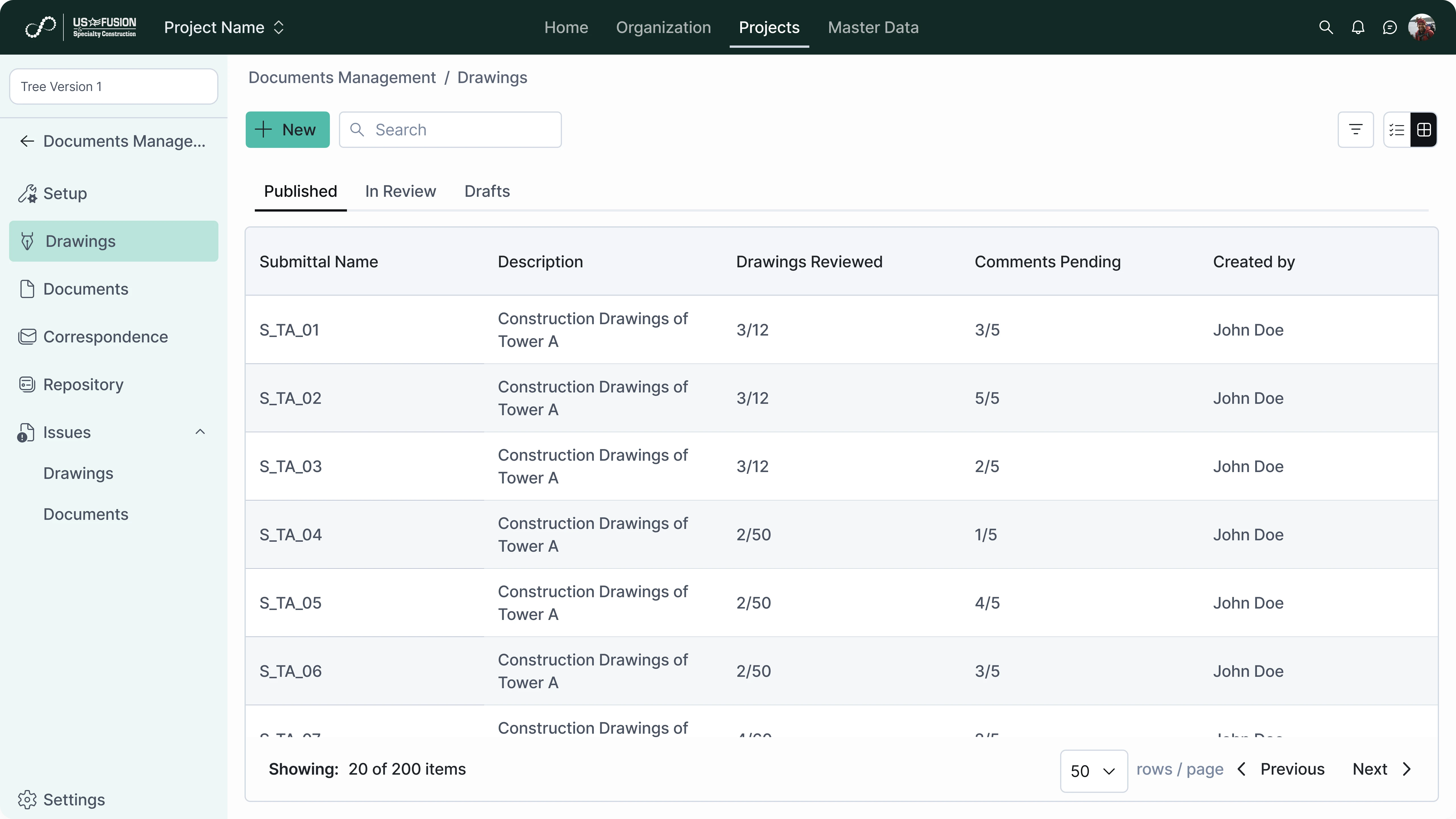
Store and organize project documents in a structured folder and classification system.
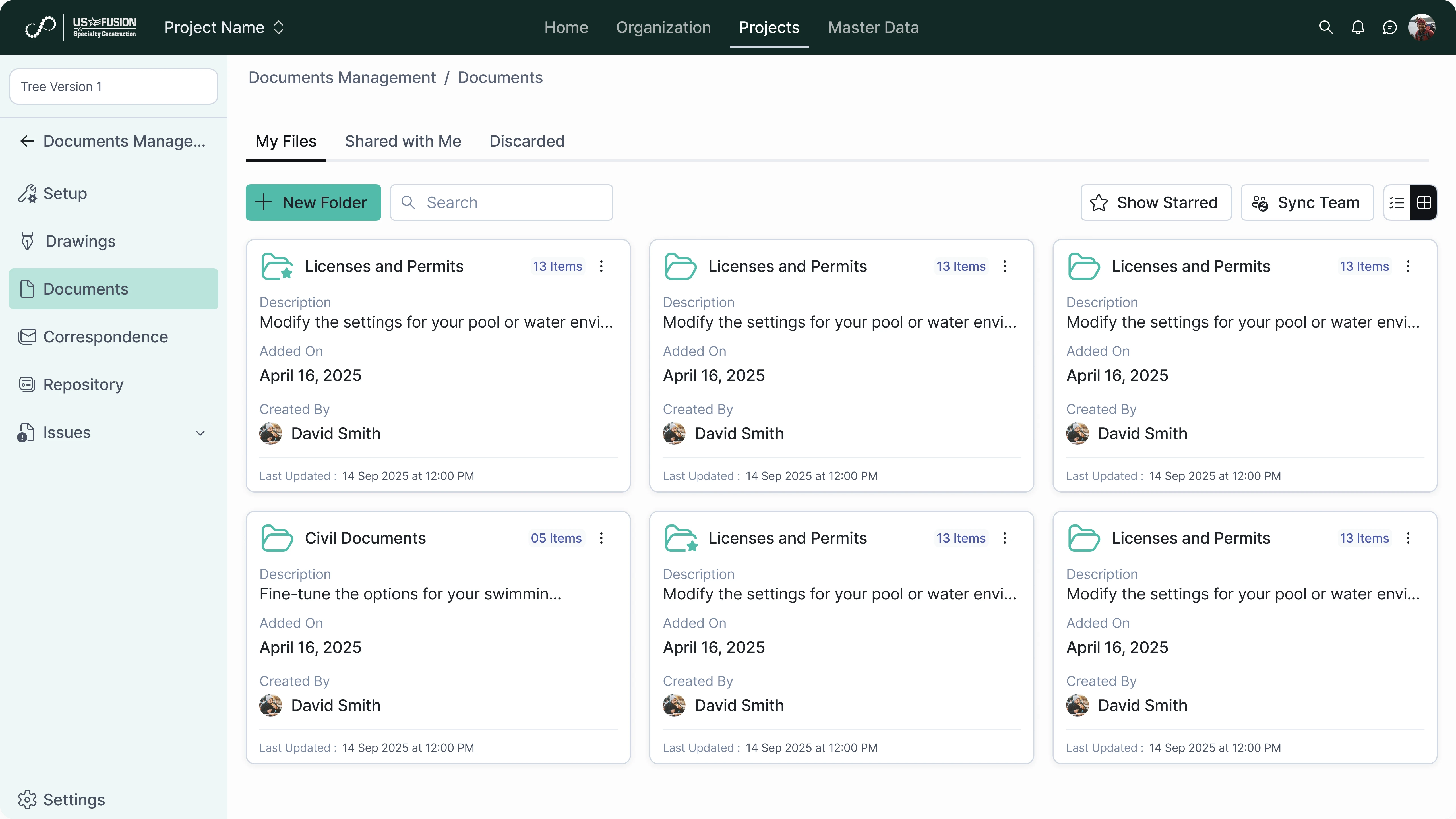
Upload and store project documents
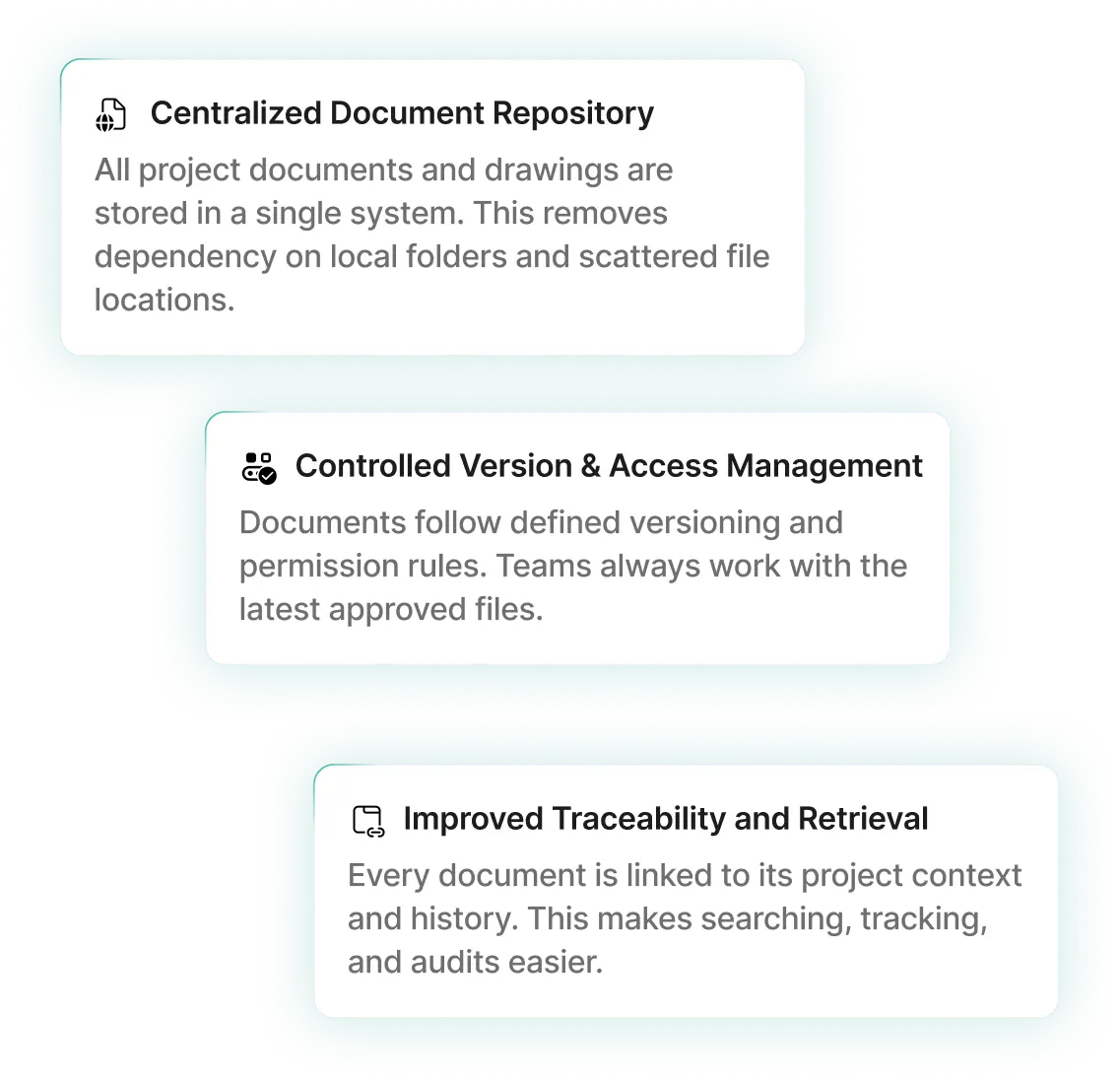
Save drawings, reports, and files in a centralized repository. This ensures secure and consistent document storage.
Organize documents by project and category
Classify documents by type, phase, or discipline. This enables easy navigation and retrieval.
Support multiple file formats
Store different document types such as PDFs, images, and spreadsheets. This allows flexible document management.
Maintain document metadata
Capture details such as document name, type, and upload date. This supports structured search and tracking.

Version Control and Revisions
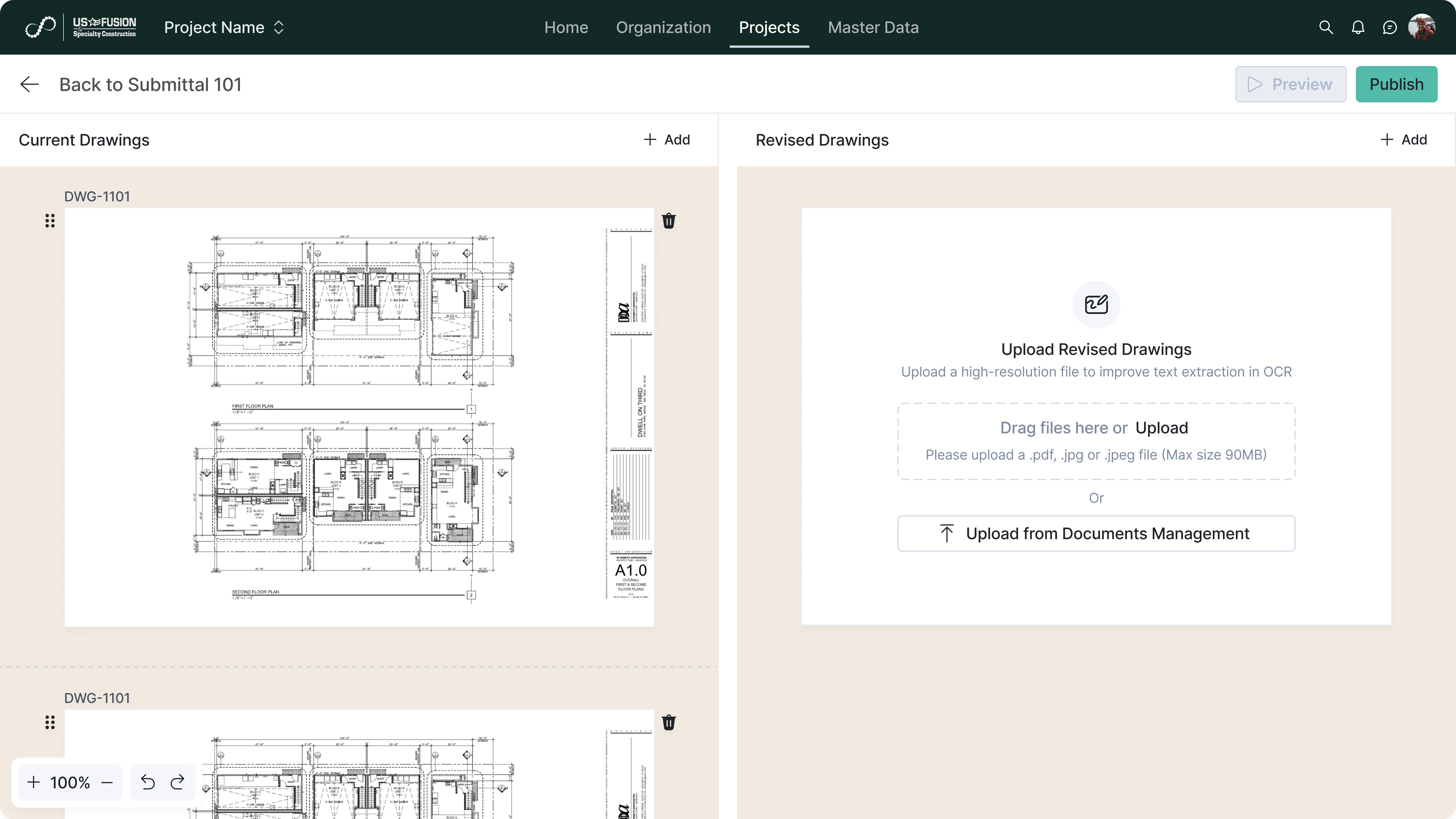
Manage document updates and maintain control over revisions.
Track document versions and history
Maintain records of all uploaded versions. This ensures transparency in document changes.
Mark latest approved documents
Identify current and approved document versions clearly. This prevents use of outdated files.
Compare and review document revisions
Allow teams to review changes across versions. This supports controlled updates.
Maintain audit trail of changes
Store who uploaded and modified documents with timestamps. This supports governance and accountability.
Access Control and Collaboration
Control document access and enable team collaboration.
Define user access permissions
Control who can view, upload, or edit documents. This ensures data security.
Share documents with project teams
Provide access to relevant users and stakeholders. This improves coordination.
Track document usage and downloads
Monitor who accessed or downloaded documents. This supports traceability.
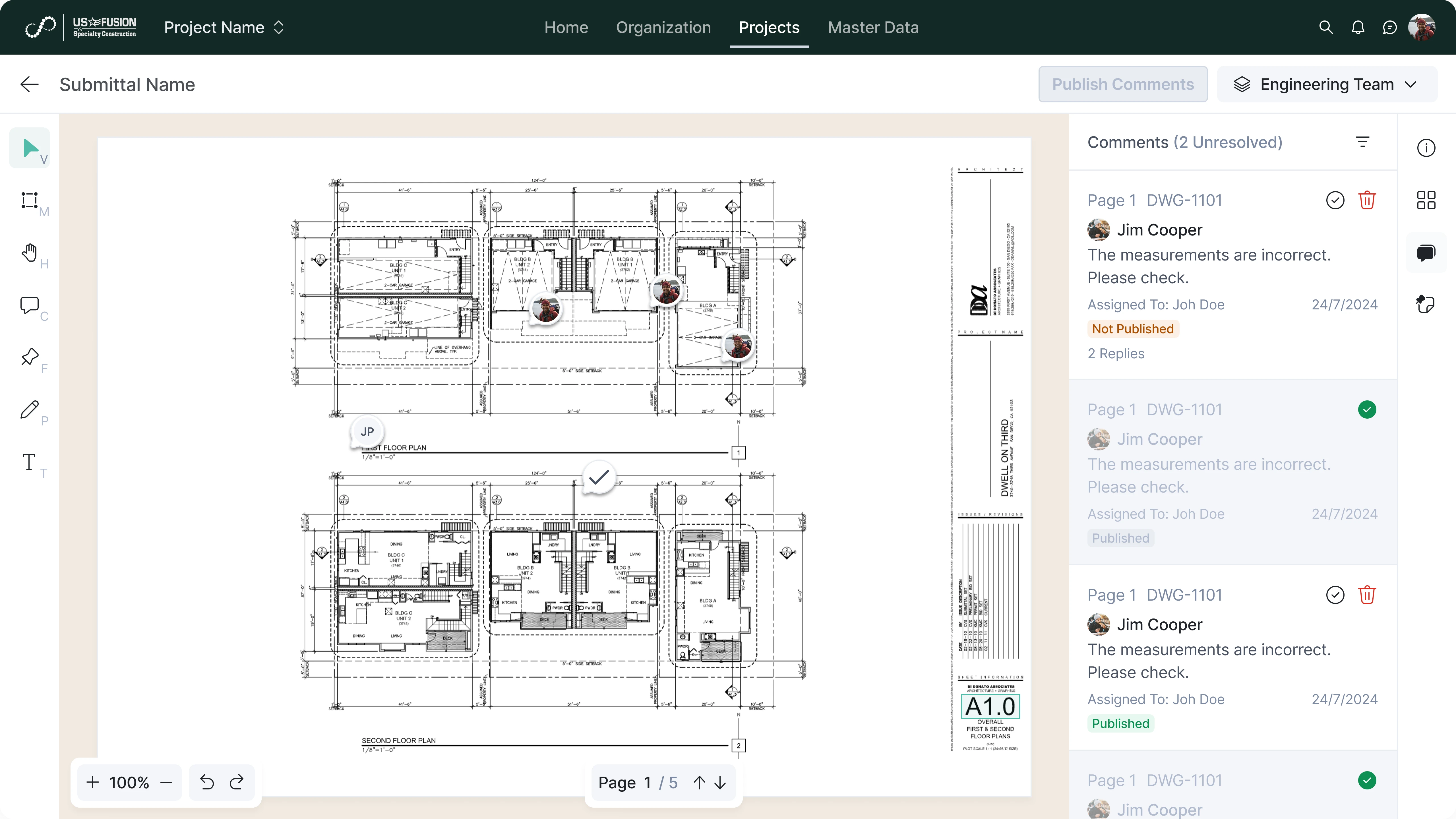
Support review and approval workflows
Enable document review and approval before release. This ensures quality control.
Integration and Reporting
Connect documents with other project systems and workflows.
Link documents with project records
Associate files with WBS, site forms, contracts, and drawings. This provides operational context.
Feed document data into reports and dashboards
Use document activity for analytics and monitoring. This improves visibility.
Enable cross-module data consistency
Share document information across modules through connected services. This maintains a single source of truth.
Support project closeout and audits
Provide complete document records for handover and compliance. This simplifies closeout processes.