Inspection Form Management
Create and manage structured inspection forms and templates.
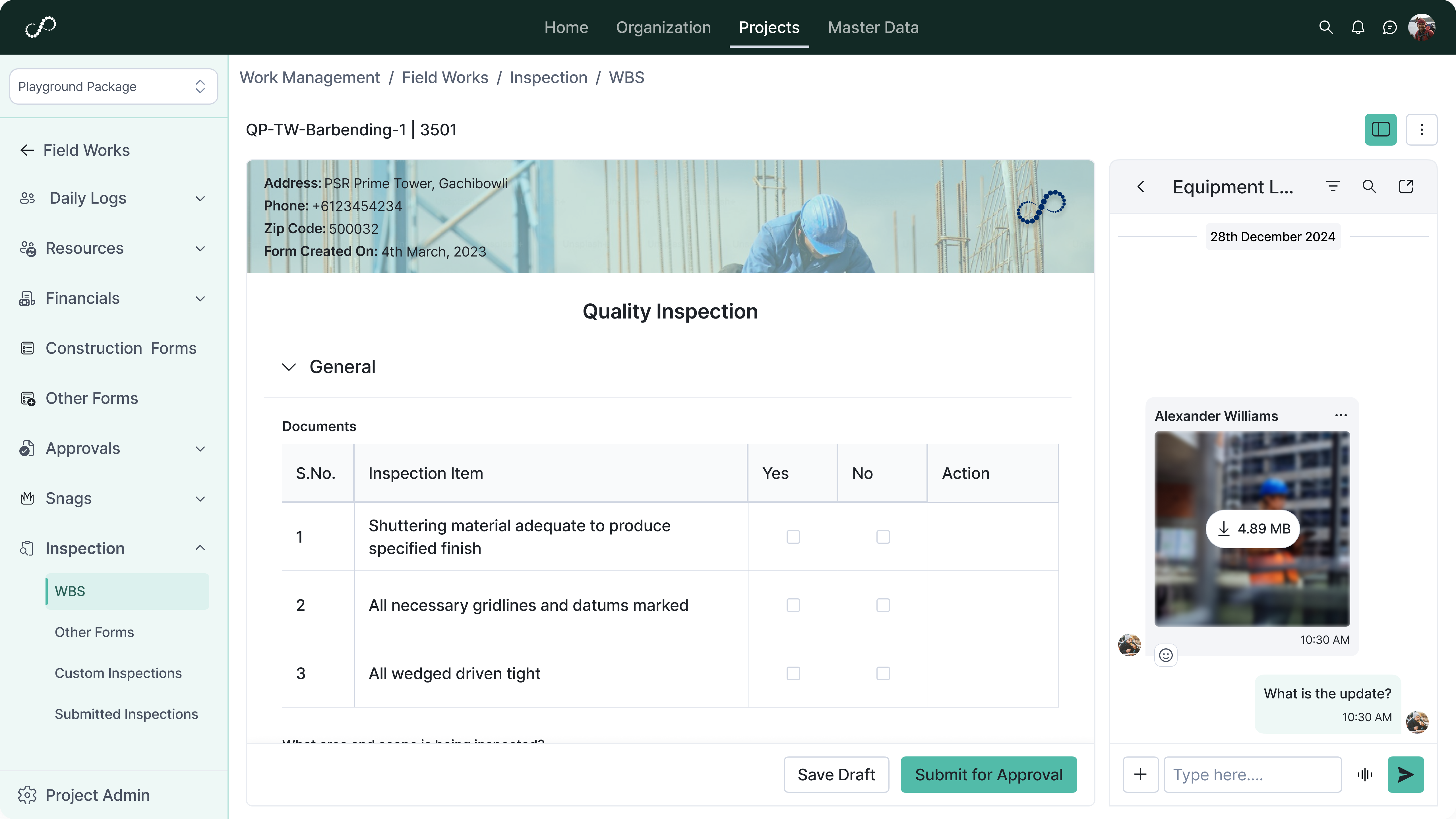
Configure inspection templates
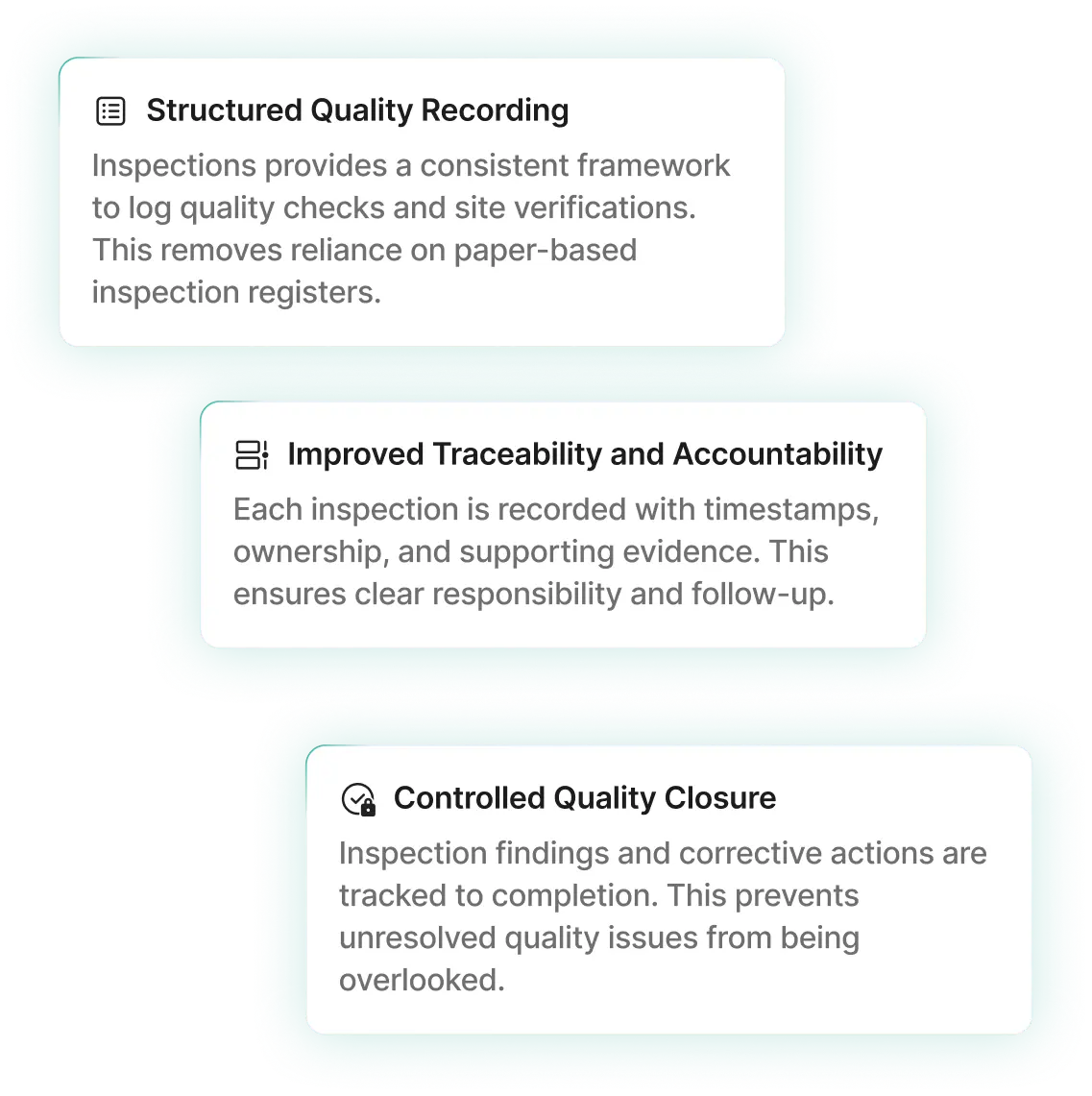
Define standard inspection checklists based on project requirements. This ensures consistent quality checks.
Capture inspection details digitally
Record inspection data directly through web or mobile interfaces. This improves accuracy and timeliness.
Attach photos and supporting files
Upload images and documents with inspection entries. This provides visual validation of quality conditions.
Maintain categorized inspection logs
Organize inspections by location, activity, or discipline. This supports easy retrieval and tracking.

Inspection Workflow and Approvals
Manage inspection submissions, reviews, and approvals.
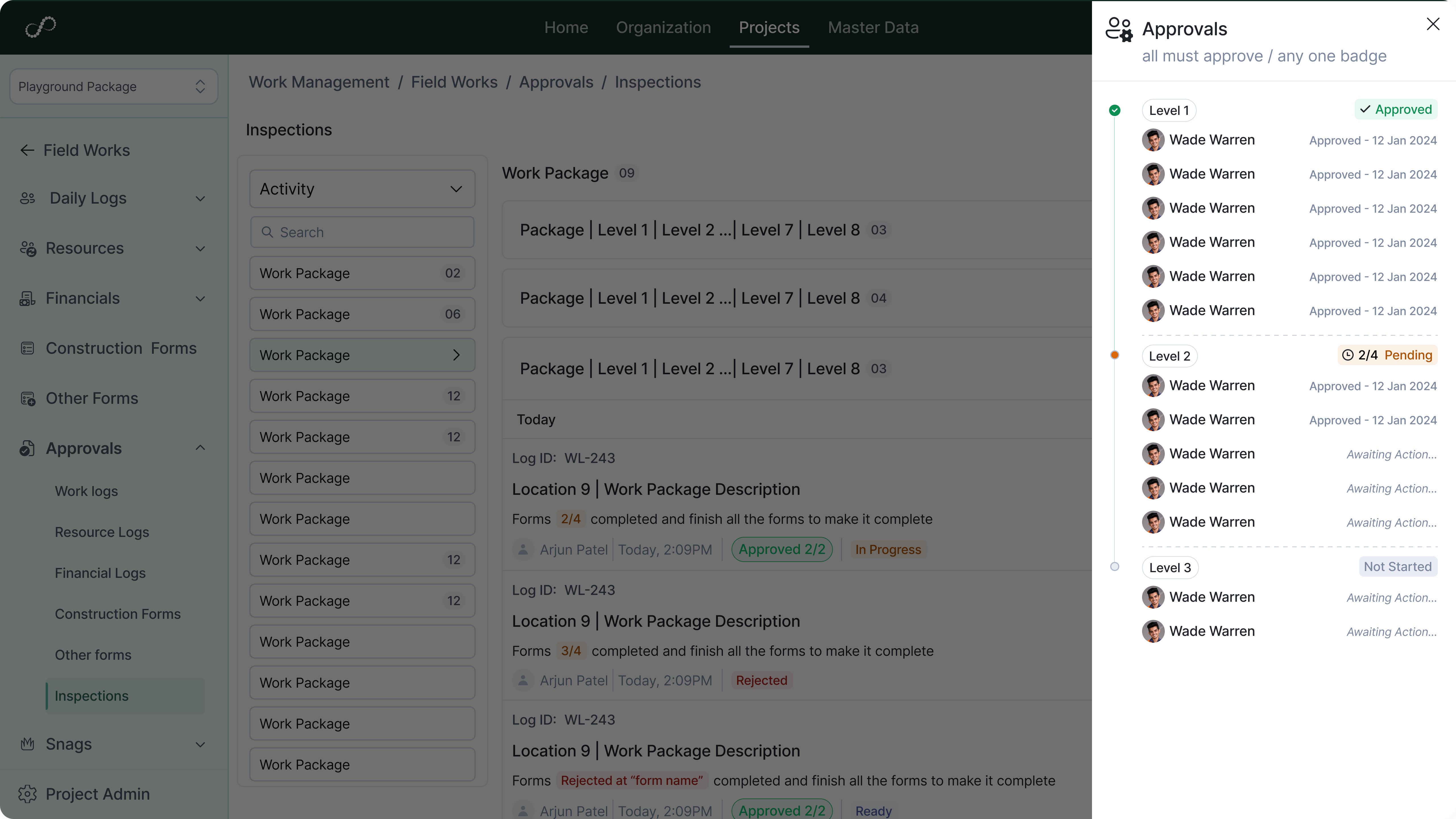
Submit inspections for review
Route completed inspections through approval workflows. This ensures formal validation.
Approve or reject inspection records
Review findings and take appropriate action. This supports quality control.
Track inspection status
Monitor pending, approved, and rejected inspections. This improves visibility.
Maintain approval history
Store records of review actions and comments. This supports audit readiness.
Non-Conformance and Corrective Actions
Identify and track quality deviations to resolution.
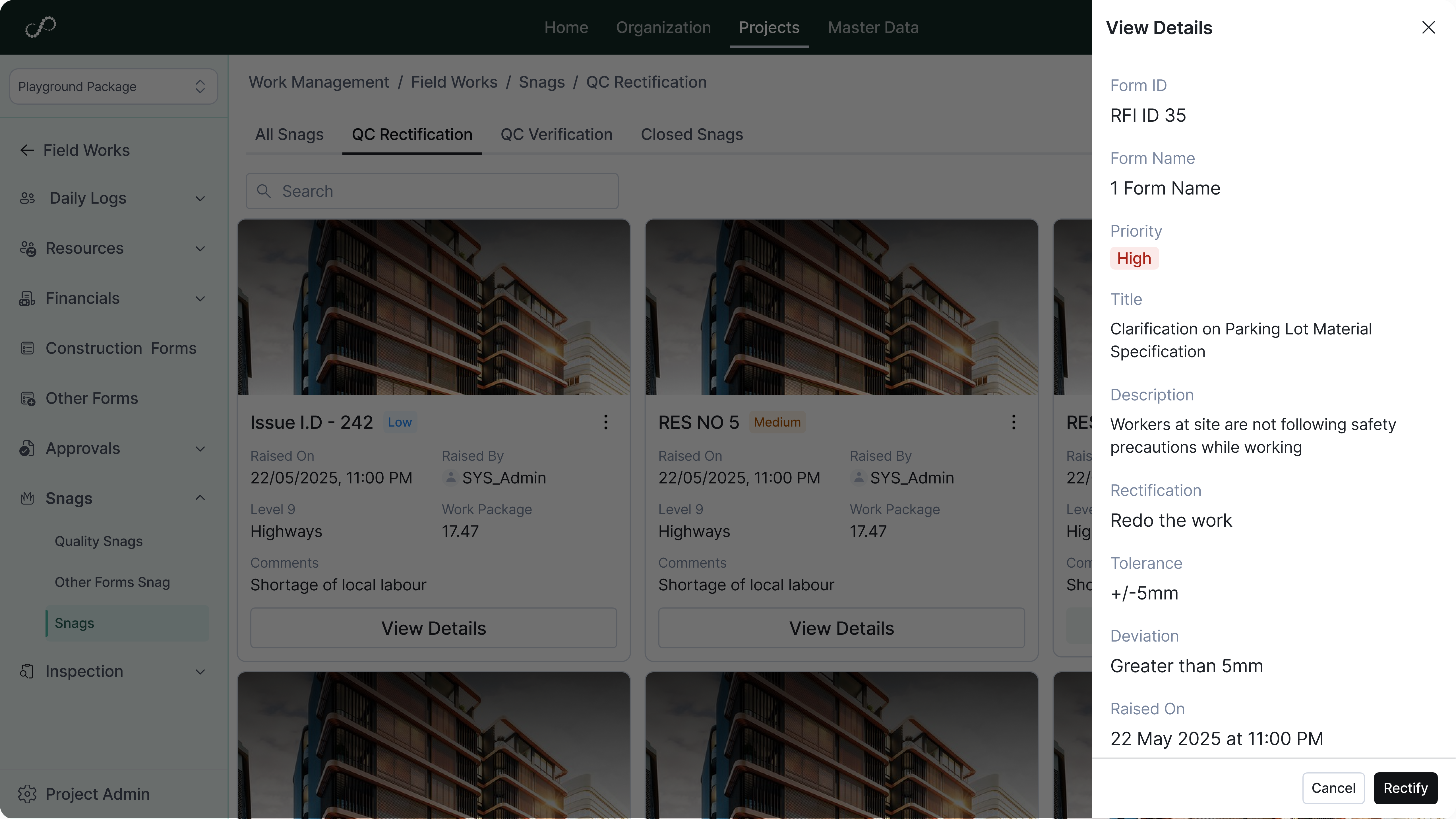
Log non-conformance reports (NCRs)
Record deviations identified during inspections. This ensures issues are formally documented.
Assign corrective actions
Define responsible users and deadlines for issue resolution. This improves accountability.
Track issue closure status
Monitor open and closed quality issues. This ensures timely resolution.
Maintain history of corrective measures
Store complete records of actions taken. This supports compliance and reviews.
Integration and Reporting
Connect inspection data with planning, documents, and analytics systems.
Link inspections with WBS and activities
Associate quality logs with planned tasks and locations. This aligns quality checks with execution.
Attach inspections to drawings and documents
Connect inspection records with relevant project files. This improves traceability.
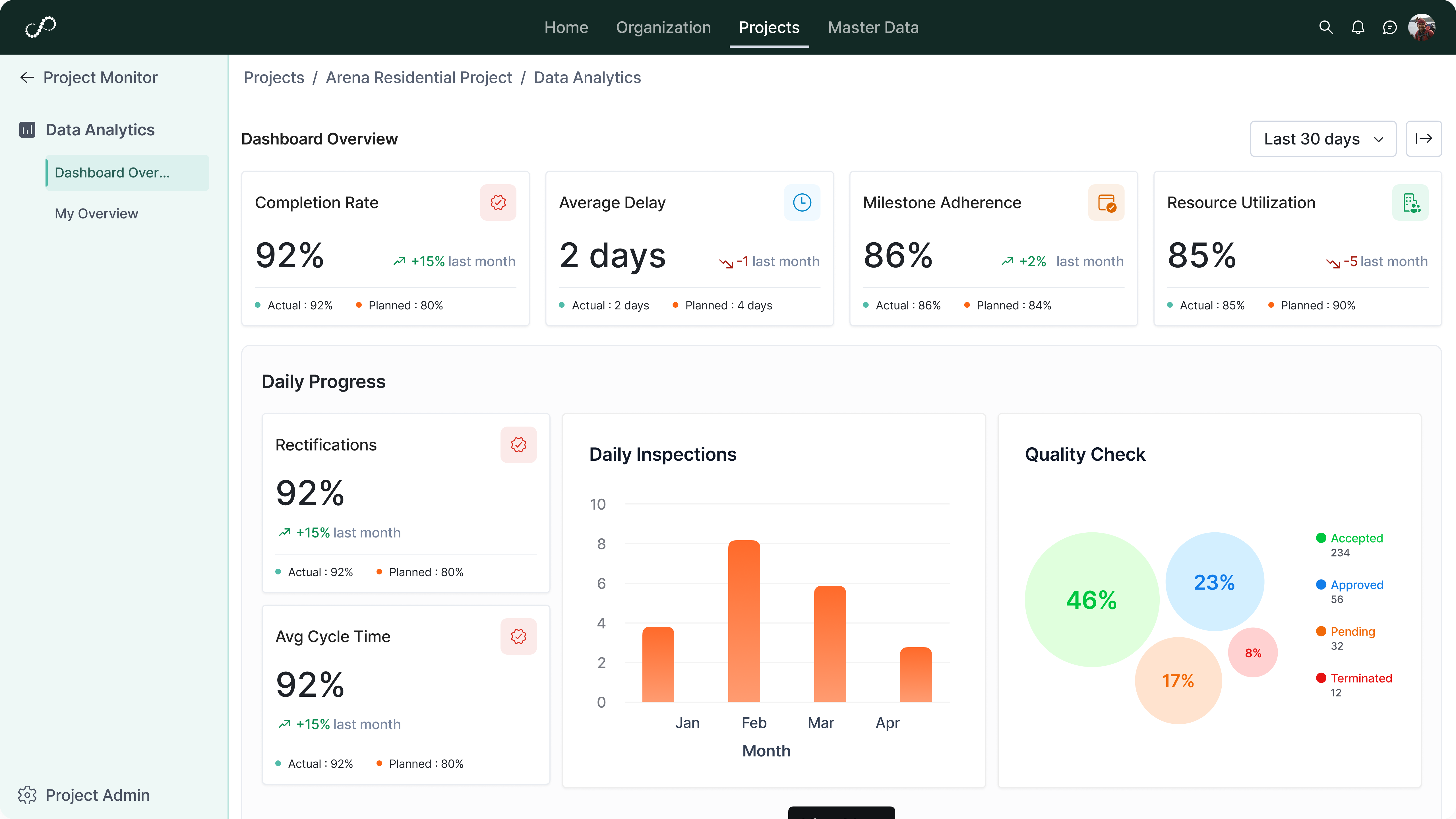
Feed inspection data into dashboards
Use quality logs for reporting and performance monitoring. This improves visibility.
Support audit and handover documentation
Provide structured inspection records for project closeout. This simplifies compliance processes.