WBS and Activity Structure
Create and manage hierarchical work breakdown structures and project activities.
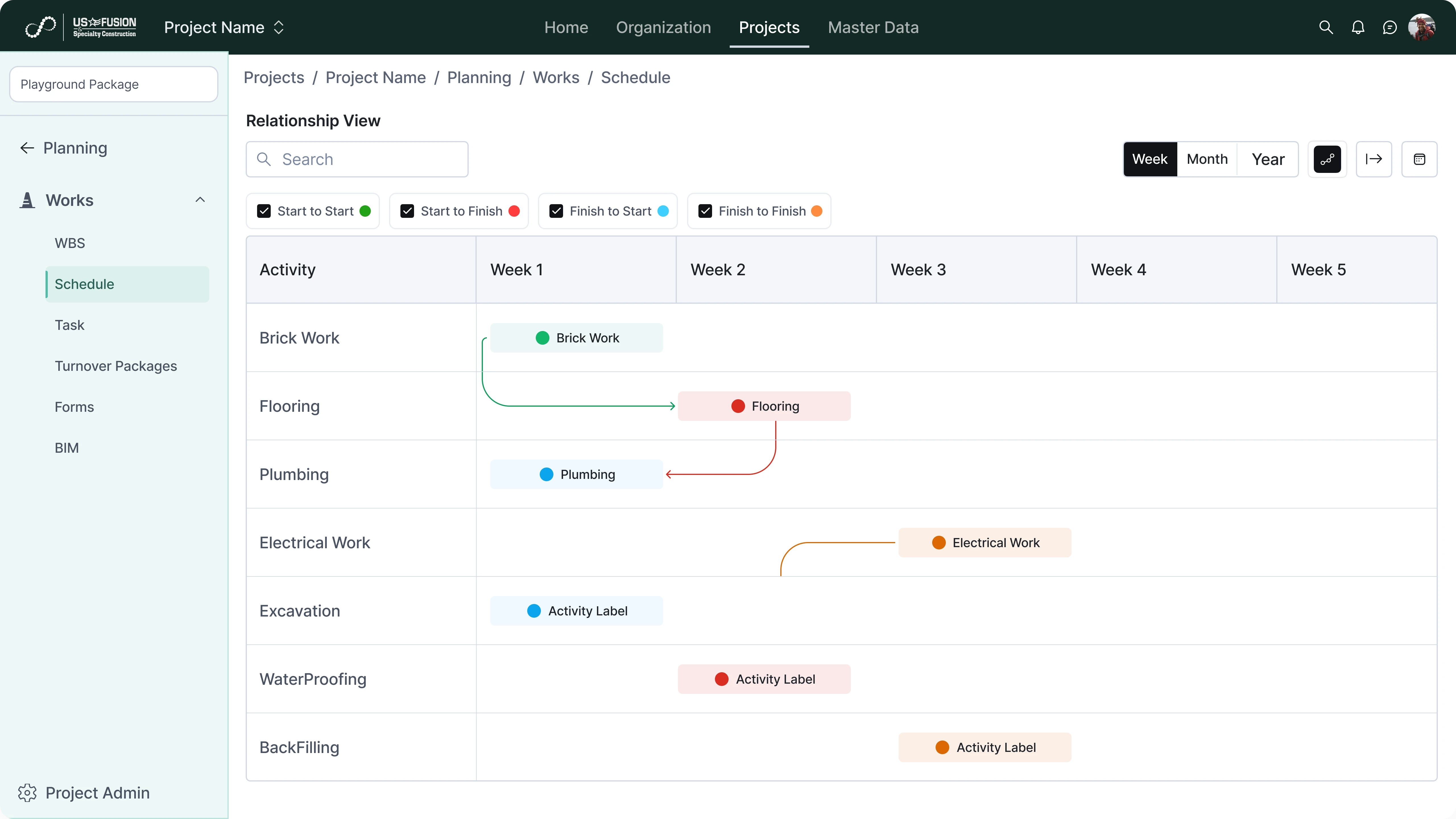
Define WBS levels and activity hierarchies
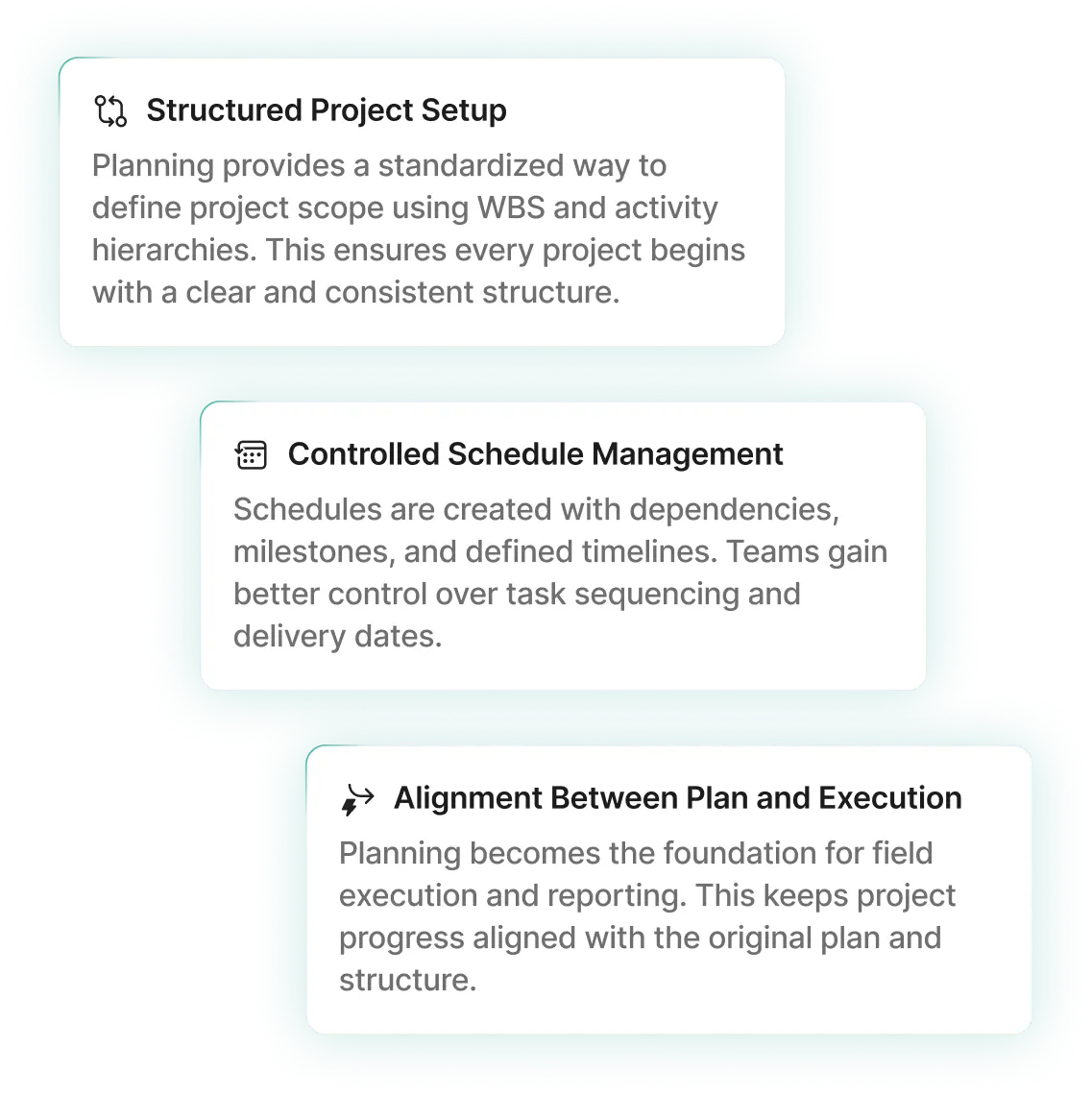
Create multi-level WBS structures to organize project scope into logical components. This enables consistent breakdown of work across all projects.
Create tasks and milestones under each WBS
Add activities and milestones within each WBS node to represent planned work. This helps teams track execution against defined project structure.
Assign dates and durations to activities
Configure planned start dates, end dates, and durations for every activity. This establishes the project timeline and scheduling logic.
Maintain structured project scope
Ensure all project work is captured within the defined WBS and activity framework. This prevents gaps and inconsistencies in project planning.

Schedule and Dependency Management
Build project schedules with task sequencing and logical dependencies.
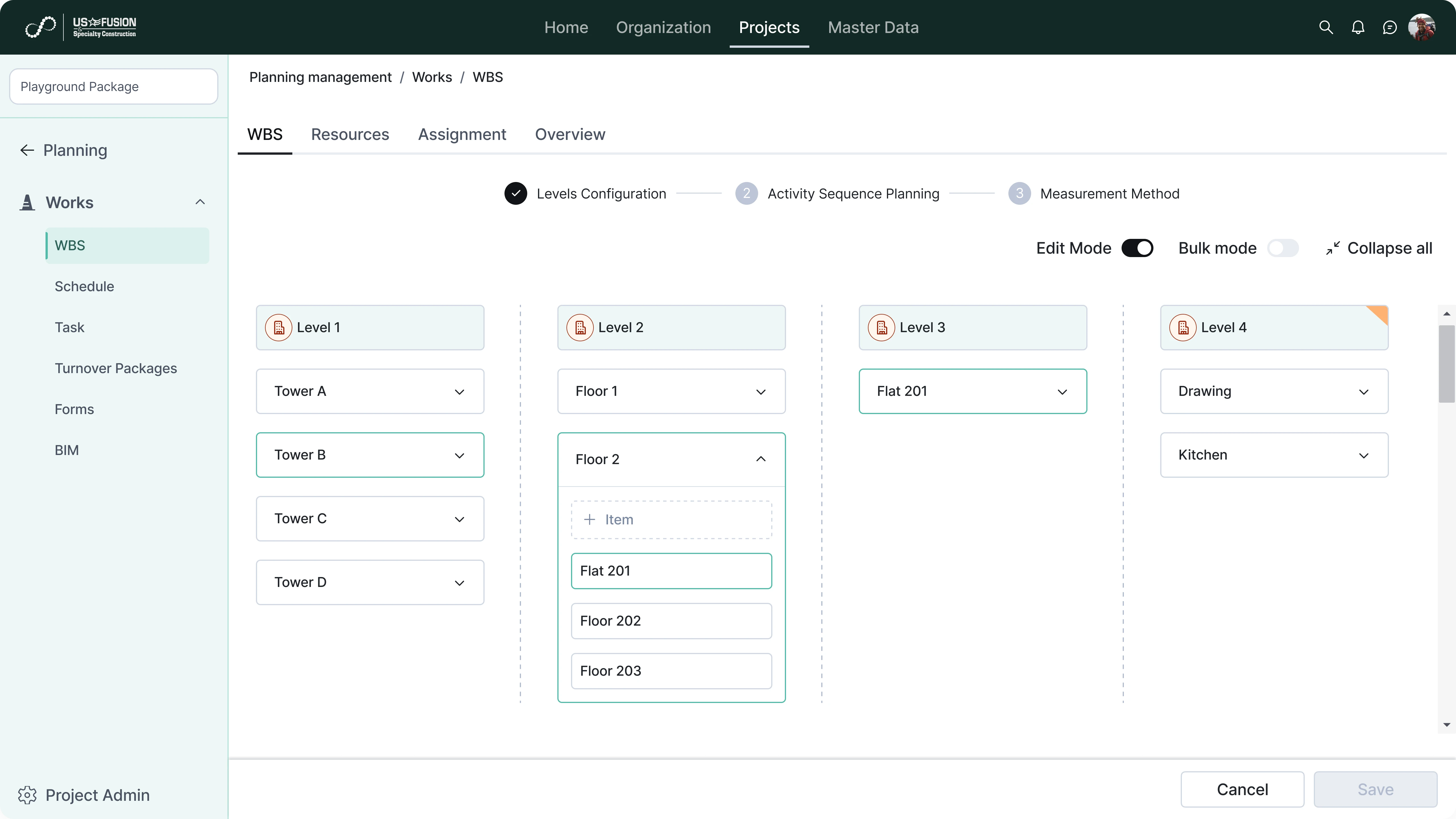
Define predecessor and successor relationships
Link activities using dependency types to control task sequence and flow. This supports logical scheduling and critical path calculations.
Configure start and finish dates
Set planned timelines for activities based on dependencies and project constraints. This allows accurate forecasting of completion dates.
Track planned timelines for activities
Monitor schedule progress against defined plans and milestones. Teams can identify delays and deviations early.
Support look-ahead and long-term schedules
Generate short-term and long-term views of the project schedule. This helps teams plan resources and upcoming work more effectively.
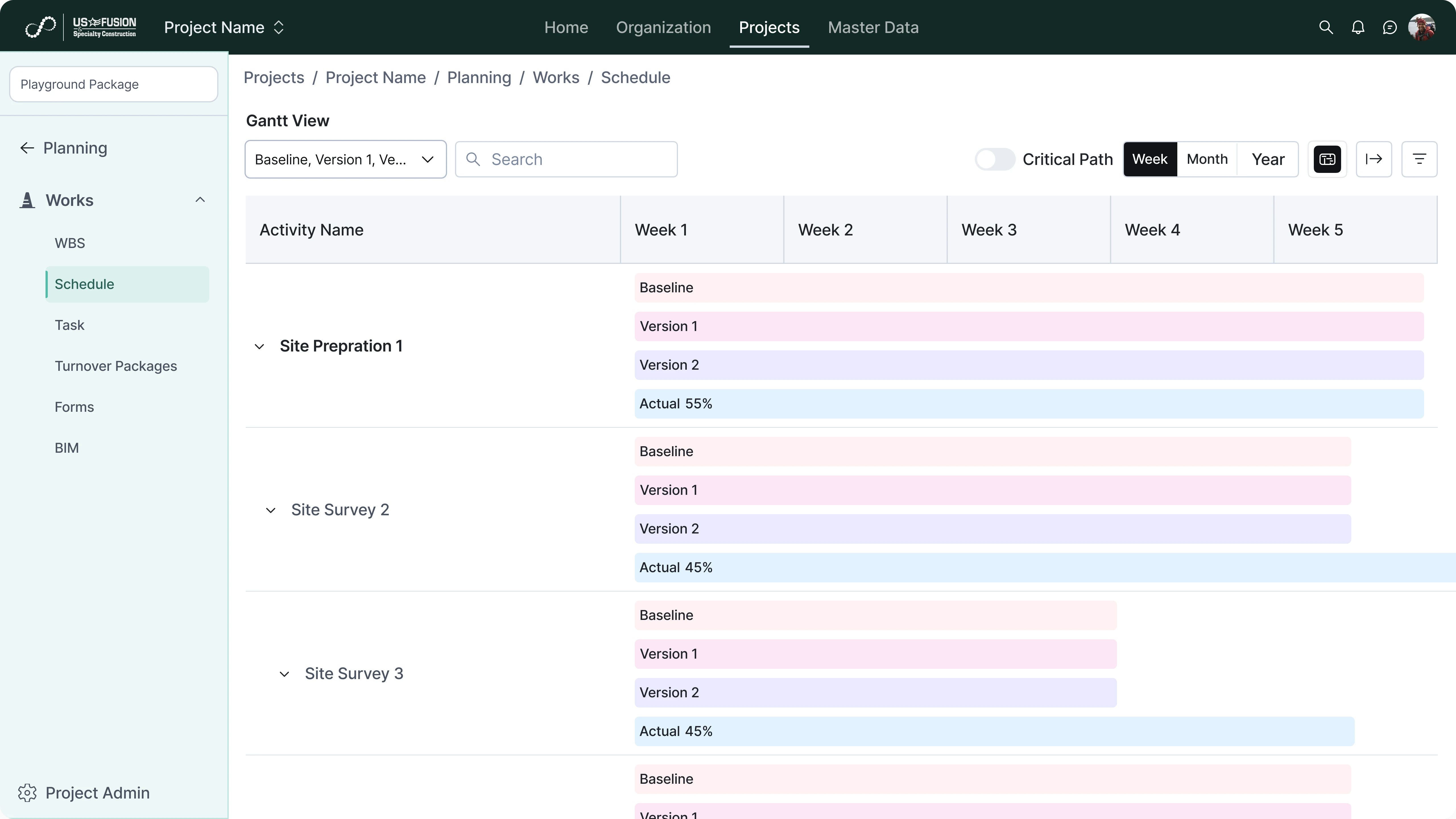
Baseline and Version Control
Manage schedule versions and compare planned timelines over time.
Create baseline schedules for reference
Save approved schedules as baselines to serve as planning benchmarks. This allows comparison between original plans and updated schedules.
Track changes across plan revisions
Maintain history of schedule updates and modifications. Teams can understand when and why changes were made.
Compare current plan with original baseline
View differences between active schedules and baseline versions. This helps assess delays and planning variances.
Maintain audit history of schedule updates
Store a complete log of planning changes with timestamps and ownership. This supports accountability and project governance.
Integration with Execution and Analytics
Connect planning data with field execution and reporting systems.
Link planning data with field progress updates
Connect WBS and activity plans with site execution data. This ensures progress tracking is based on planned structure.
Feed schedule data into reports and dashboards
Use planning information as input for analytics and reporting modules. This provides visibility into schedule performance.
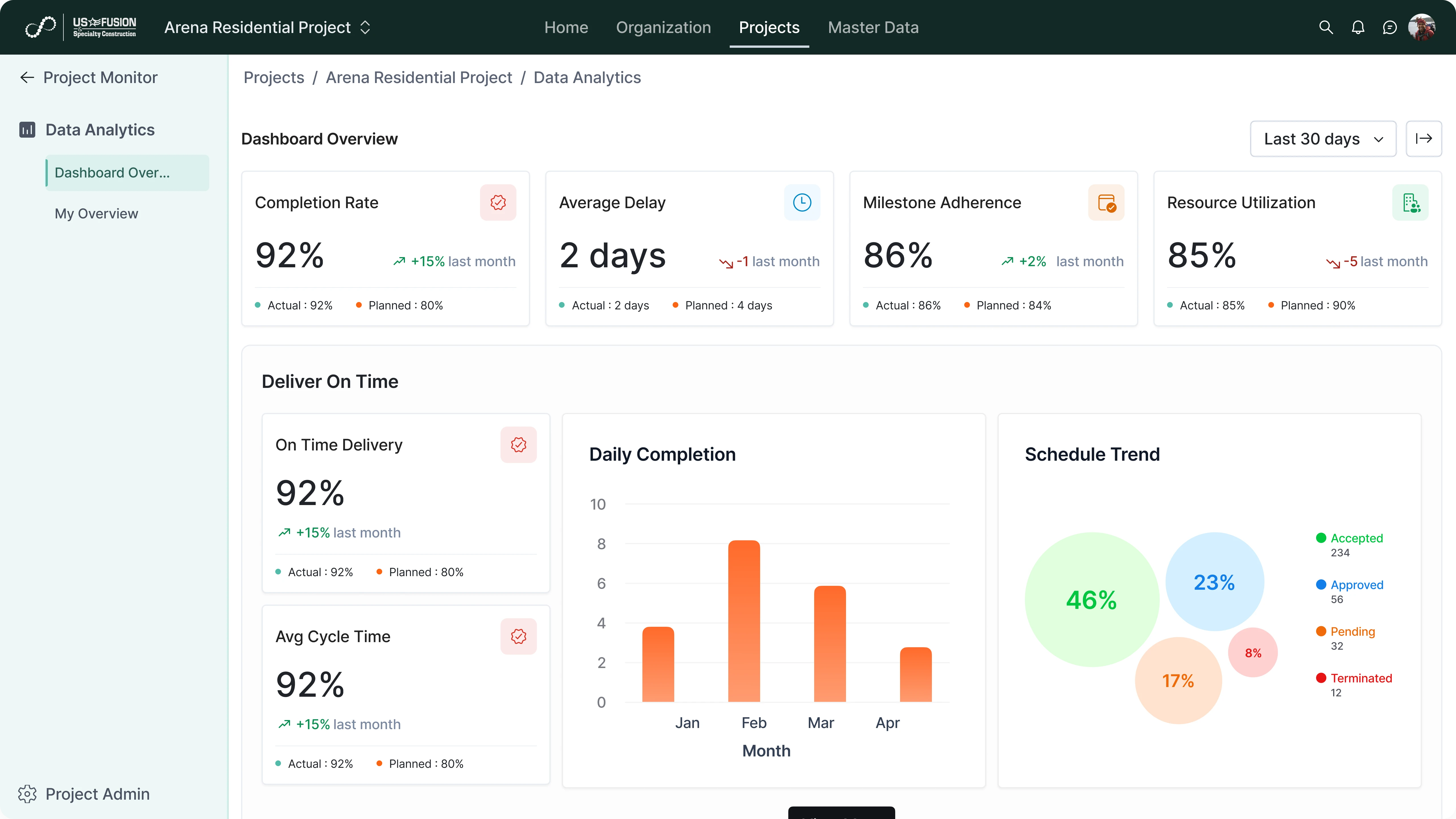
Support analytics on planned vs actual progress
Enable comparison of planned timelines with actual execution data. This helps identify delays and forecast future risks.
Enable cross-module data consistency
Ensure planning data is shared across related modules through connected services. This keeps information aligned throughout the system.